Installing an iPhone in Beam Fit Lite
Step 1: Place your iPhone into the bottom half of the case, ensuring it sits securely inside the blue silicone insert.
Step 2: Align the top plate so the side button cutouts match the iPhone’s buttons. Gently place it on top of the phone.
Step 3: Starting at the bottom edge, press the front and back plates together until you hear a snap. Continue pressing around the edges until the case is fully sealed
Removing an iPhone from Beam Fit Lite
Step 1: Locate the blue rubber recess in the bottom-right corner of the case.
Step 2: Insert a coin into the recess. Press inward and twist until you feel the snaps release in that area.
Step 3: Carefully work your way around the case, releasing the remaining snaps by hand until the top plate separates
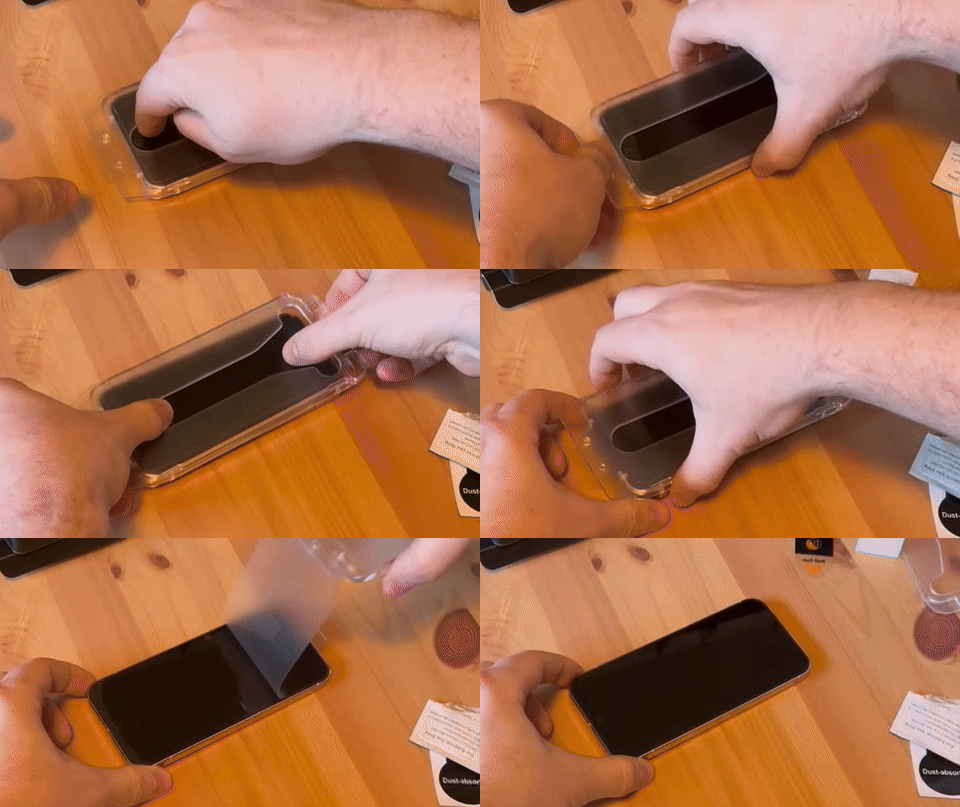
Installing a screen protector on Beam Fit Lite
Step 1: Do not remove anything from the applicator. Keep it fully intact.
Step 2: Place your iPhone face up on a flat surface. Hold the applicator with the side labeled “TOP” aligned with the top of your iPhone. Make sure the plastic release strip is at the bottom. Carefully place the applicator over the screen, press down firmly to ensure full contact, then pull the release strip downward.
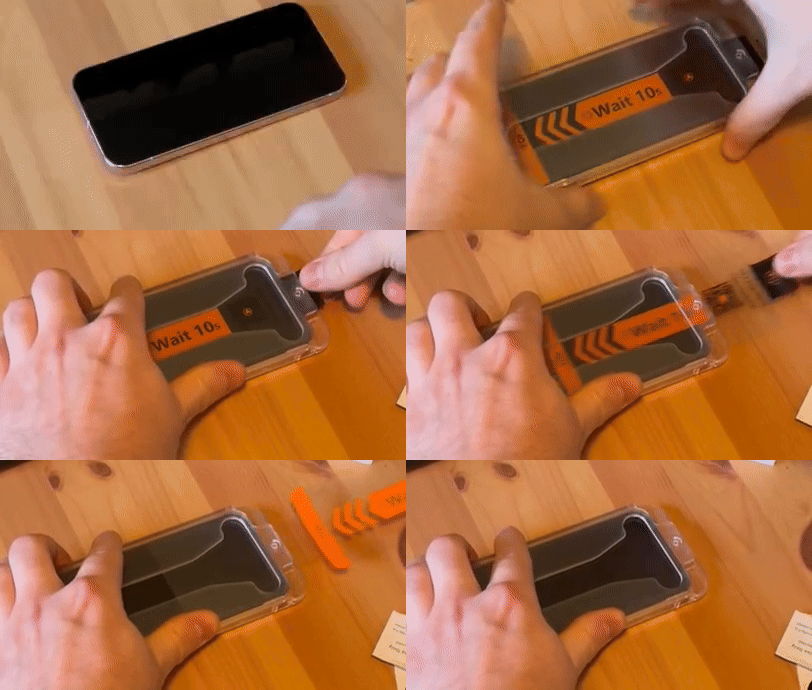
Step 3: Press firmly across the screen to maintain full contact.
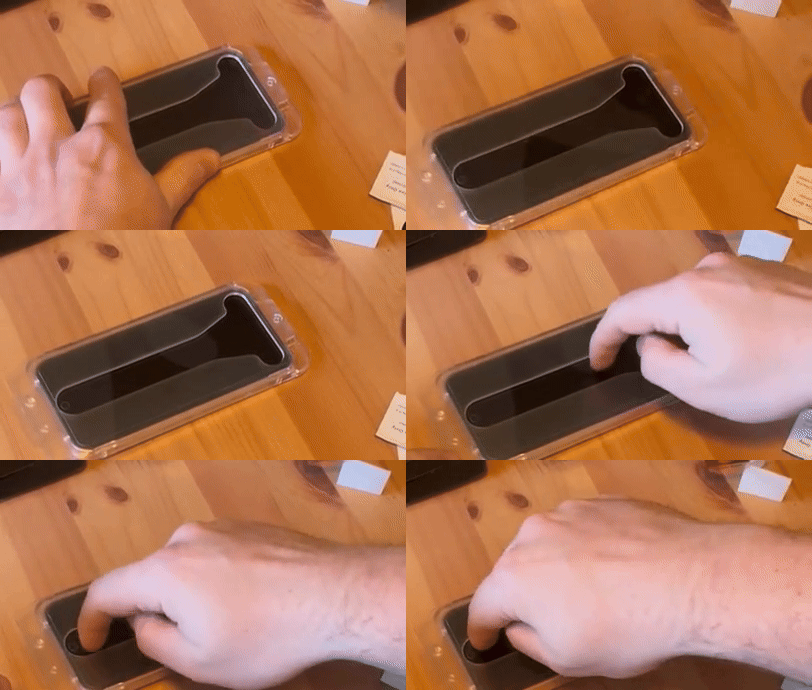
Step 4: Wait about 20 seconds. Then gently lift the applicator off by pulling up the top plastic layer to reveal the installed screen protector. Note: If air bubbles appear, use a plastic card to gently smooth them out.